
 Olit Hookalit S 35K
 OLIT HOOKALIT 40000 PUFFS
 Olit Hookalit Pro 60K Puffs
Blog
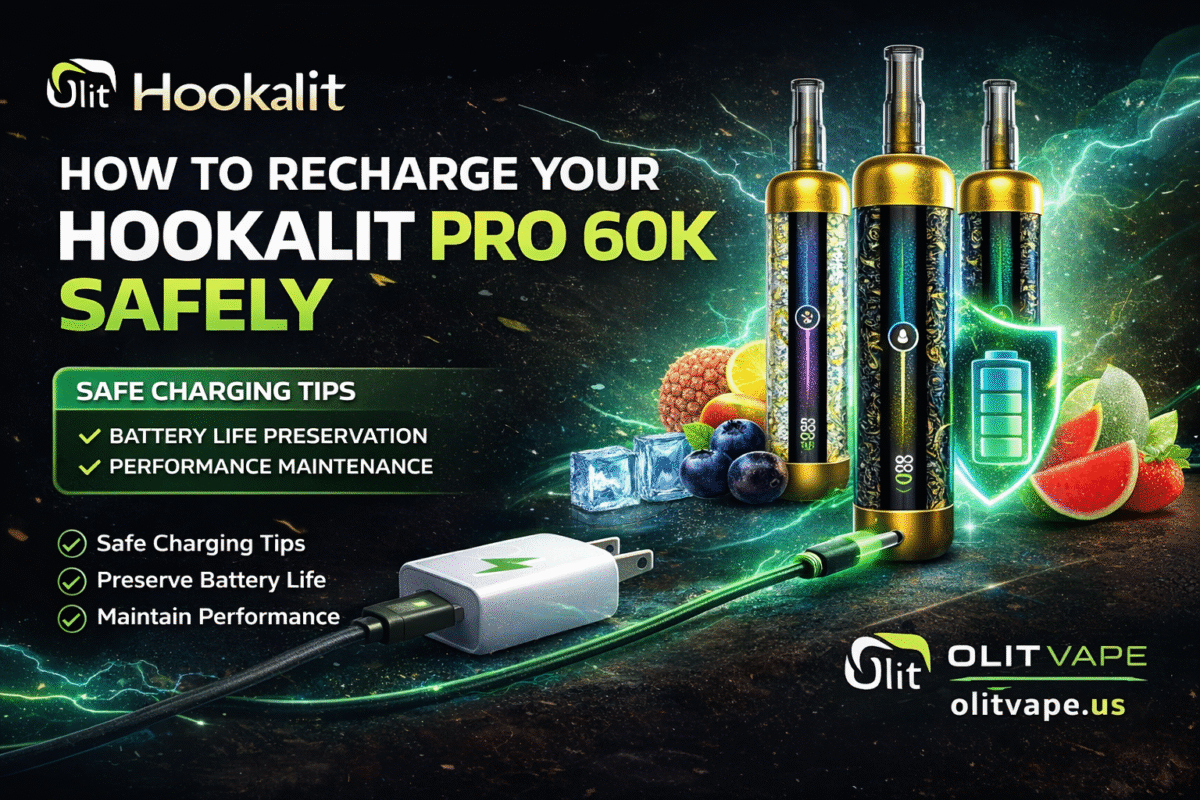
How to Recharge Your Hookalit Pro 60K Safely
Dec
Hookalit Pro 60K and other similar devices have surged in popularity, offering a convenient and flavorful vaping experience. However, like any electronic device, proper charging is crucial for both performance and safety. This guide will walk you through the process of safely recharging your Hookalit Pro 60K, ensuring a long-lasting and enjoyable experience. Let’s make sure your Olit Vape is always ready to go.
The Importance of Safe Charging
Your Hookalit Pro 60K is a sophisticated piece of equipment. Incorrect charging can lead to a variety of issues, from reduced battery life and poor performance to, in rare cases, safety hazards. Understanding and following safe charging practices not only protects your device but also ensures your well-being. Thinking about a hookah pen near me? Make sure you know how to charge it first!

Understanding Your Hookalit Pro 60K Battery
The Hookalit Pro 60K, like many modern vaping devices, uses a lithium-ion battery. These batteries are known for their high energy density and long life but require specific care during charging. They are designed to be charged within certain voltage and current parameters. Exceeding these limits can stress the battery, leading to overheating and degradation.
Common Charging Pitfalls to Avoid
- Using incompatible chargers: Not all USB chargers are created equal. Using a charger with a higher voltage or current than recommended can damage the battery.
- Overcharging: While most modern devices have overcharge protection, it’s still good practice to disconnect your device once it’s fully charged.
- Charging in extreme conditions: Avoid charging in very hot or very cold environments, as this can negatively impact battery health.
- Damaged cables or adapters: Frayed cables or broken adapters can be a fire hazard and should be replaced immediately.
Step-by-Step Guide to Safe Charging
1. Use the Original Charger and Cable
The most critical step in safe charging is to use the charger and cable that came with your Hookalit Pro 60K. These accessories are specifically designed to meet the power requirements of your device. If your original charger or cable is lost or damaged, purchase a replacement directly from the manufacturer or a reputable vendor. Avoid generic, unbranded charging accessories. The Lucid Dream Olit Hookalit S also benefits greatly from using its designated charging equipment.
- Check the specifications: If you must use a different charger, ensure its output voltage and current match the specifications listed in your Hookalit Pro 60K’s user manual.
- Inspect for damage: Before each use, quickly check the charging cable and adapter for any signs of wear and tear.
2. Connect to a Suitable Power Source
A suitable power source is just as important as the right charger. Wall outlets are generally the most stable and recommended option. Avoid charging your device from computer USB ports or car chargers unless specifically instructed by the manufacturer, as these might not provide a consistent power supply.
- Stable surface: Place your device and charger on a stable, non-flammable surface during charging.
- Good ventilation: Ensure the charging area has good airflow to prevent heat buildup.
3. Monitor the Charging Process
While the Hookalit Pro 60K has built-in safety features, it’s always a good idea to keep an eye on your device while it’s charging.
- Check for excessive heat: It’s normal for a device to feel slightly warm during charging, but if it becomes unusually hot to the touch, disconnect it immediately.
- Observe indicator lights: Your Hookalit Pro 60K will likely have an indicator light that changes color or turns off when charging is complete. Familiarize yourself with these indicators.
- Avoid leaving unattended: Ideally, don’t leave your device charging overnight or when you’re not home.
4. Disconnect When Fully Charged
Once your Hookalit Pro 60K is fully charged, disconnect it from the power source. While overcharge protection is standard, prolonged connection to a charger after the battery is full can still put minor stress on the battery over time.
- Extend battery life: Regularly disconnecting after full charge helps maintain the overall health and lifespan of your battery.
- Ready for use: A fully charged device means you’re always ready to enjoy your
olit vapeexperience.
Troubleshooting Common Charging Issues
Even with proper care, you might occasionally encounter charging issues. Here are a few common problems and their potential solutions:
Device Not Charging
If your Hookalit Pro 60K isn’t charging, here’s what to check:
- Cable connection: Ensure both ends of the charging cable are securely plugged in.
- Power source: Try plugging the charger into a different wall outlet.
- Cable and adapter integrity: Inspect the cable for any breaks or kinks, and the adapter for physical damage. If damaged, replace them.
- Charging port: Gently check the device’s charging port for any debris that might be obstructing the connection. Use a toothpick or compressed air to carefully clear it out.
Slow Charging
If your device is charging unusually slowly:
- Charger output: Verify that your charger meets the recommended output specifications for your Hookalit Pro 60K.
- Cable quality: Low-quality or damaged cables can impede charging speed. Try a different, high-quality cable.
- Background usage: Avoid using your device extensively while it’s charging, as this can slow down the process.
Battery Draining Quickly After Charging
If your battery life seems shorter than usual after a full charge:
- Battery age: All rechargeable batteries degrade over time. If your device is old, the battery may be reaching the end of its life.
- Usage patterns: Heavy usage, especially at high power settings, will naturally drain the battery faster.
- Firmware update: Check if there are any available firmware updates for your Hookalit Pro 60K, as these can sometimes include battery optimization improvements.
General Tips for Battery Longevity
Beyond safe charging, a few general practices can help extend the life of your Hookalit Pro 60K’s battery:
- Store at moderate temperatures: Avoid leaving your device in direct sunlight or in very cold environments for extended periods.
- Partial discharges: Lithium-ion batteries often benefit from partial discharges rather than always running down to zero. Charge it when it’s convenient, rather than waiting until it’s completely dead.
- Regular use: Batteries perform best with regular use. If you store your device for an extended period, try to give it a partial charge every few months.
Final Thoughts
Proper and safe charging is essential for maximizing the performance and lifespan of your Hookalit Pro 60K. By following these simple guidelines, you can ensure your device remains a reliable source of enjoyment. Remember, safety first! Keep these tips in mind whether you’re using your main Olit Vape or looking for a hookah pen near me to add to your collection. Happy vaping!
